Research-Grade Transcription: From Noisy Audio to Analysis-Ready Text
Turn messy recordings into clean, analysis-ready text. This guide shows a practical pipeline—restoration, diarization, human QC, PII redaction, and deliverables (RTTM, ELAN, TextGrid, SRT)—plus a two-minute checklist to run before publishing.
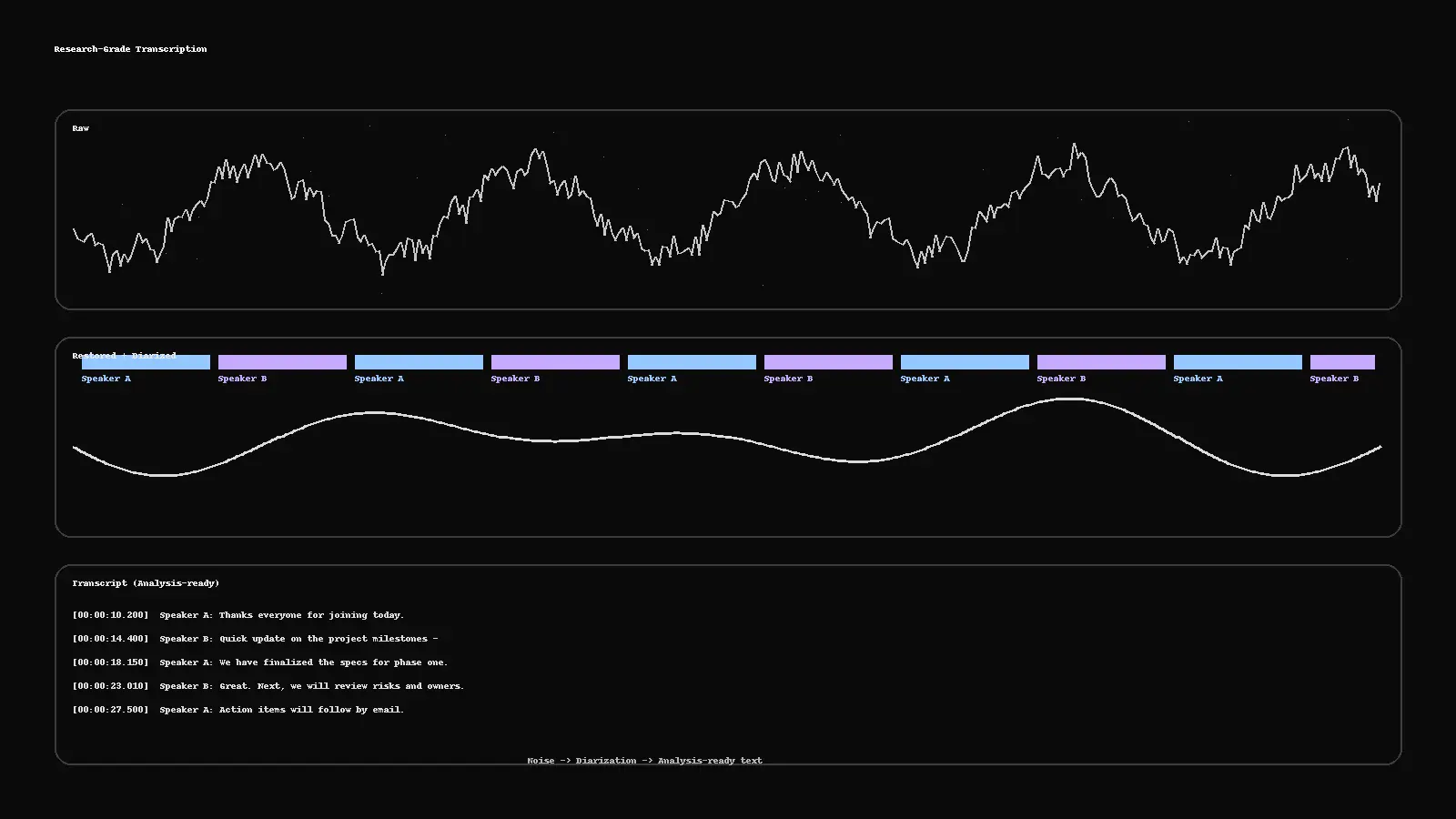
Research-Grade Transcription: From Noisy Audio to Analysis-Ready Text
Reading time: ~5 minutes
Interviews, clinics, panels, and field recordings rarely arrive studio-clean. Research-grade transcription means you can trust the text: who spoke, when they spoke, and what was said—without exposing sensitive information. Here’s a practical pipeline you can run (or ask us to run) to turn noisy audio → analysis-ready text.
1) Stabilize the audio (fast restoration)
You don’t need to over-engineer this, but basic cleanup improves everything downstream:
Noise/Dereverb: reduce HVAC hum, hiss, room echo.
Leveling: normalize peaks; keep headroom.
Channel sanity: fix inverted stereo, drop dead channels.
Tools often used: iZotope RX, Adobe Audition, Reaper/Audacity plug-ins.
Why it matters: Better SNR → better ASR confidence and fewer human fixes.
2) Diarize first, transcribe second
Diarization splits speech by speaker: Speaker A / Speaker B / Moderator.
Auto-diarize, then human-verify overlaps and switches.
Keep consistent labels across the session (don’t rename A→B mid-call).
Deliverables for researchers often include RTTM, ELAN (.eaf), or Praat TextGrid so you can align text with audio windows.
3) Choose the right transcript style
Verbatim: hesitations, fillers, false starts—best for forensic/clinical.
Clean-read: readable sentences—best for analysis and reports.
Timestamps: per-utterance or fixed intervals (e.g., every 10s).
On-screen text / captions: generate SRT/WebVTT when you need media publishing.
4) Protect privacy (PII-aware workflow)
If recordings include personal data, run PII detection + human verification:
Names, phone numbers, addresses, IDs → redact or mask per policy.
Keep a redaction map (CSV/JSON) that logs what was removed and why.
Use role-based access and encrypted transfer for all files.
5) Human QC that actually moves the needle
Even with strong ASR, humans close the last mile:
Correct domain terminology (medical, legal, product).
Fix diarization errors, crosstalk, and time drift.
Enforce style (numbers, casing, punctuation).
Log errors by class (meaning, speaker split, timing) for QA scorecards.
Target outputs: TXT/DOCX/CSV/JSON transcripts; RTTM/ELAN/TextGrid for time alignment; SRT/WebVTT for captions; optional MP4 preview with burned-in subs for fast review.
6) A 2-minute QC checklist (run before publish)
Timing: no flashes (<1s) or sleepers (>6s); timestamps align with speech.
Diarization: consistent speaker labels; overlaps handled.
Language: no dropped meanings; grammar/spell checks pass.
Terminology: glossary applied; units/doses/figures correct.
PII: redactions complete; redaction map delivered.
Exports: provide DOCX/TXT + researcher format (RTTM/ELAN/TextGrid) + captions if needed.
When ASR is enough—and when it isn’t
Good for: clear single-speaker audio, internal notes, quick comprehension → ASR + light human pass.
Not enough for: multi-speaker, domain-heavy, compliance-sensitive audio → ASR + diarization + human QC + PII redaction.
Tags
More Articles
Explore more from our blog
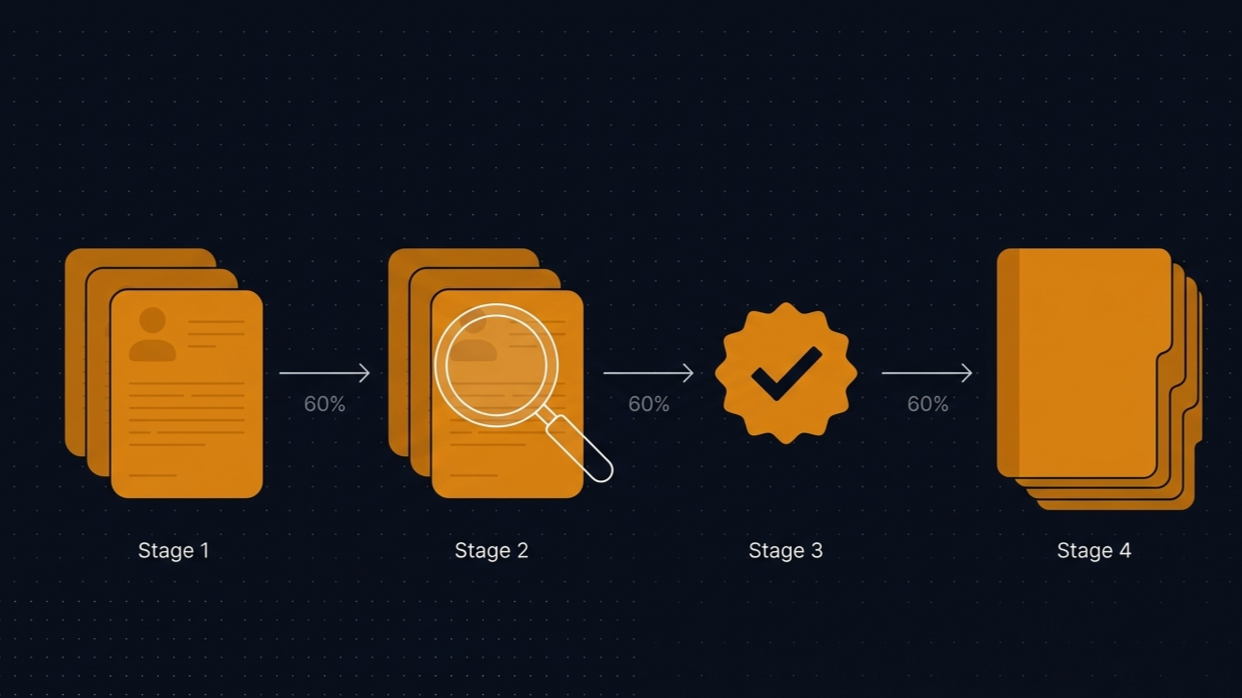
The rare-language problem that the localization industry pretends doesn't exist
A tier-1 global agency came to us last year after exhausting their network on four languages out of eighteen. Sylheti, Rohingya, Khasi, Mizo. The story of how that project went says a lot about a gap in our industry that most agencies don't want to talk about openly.
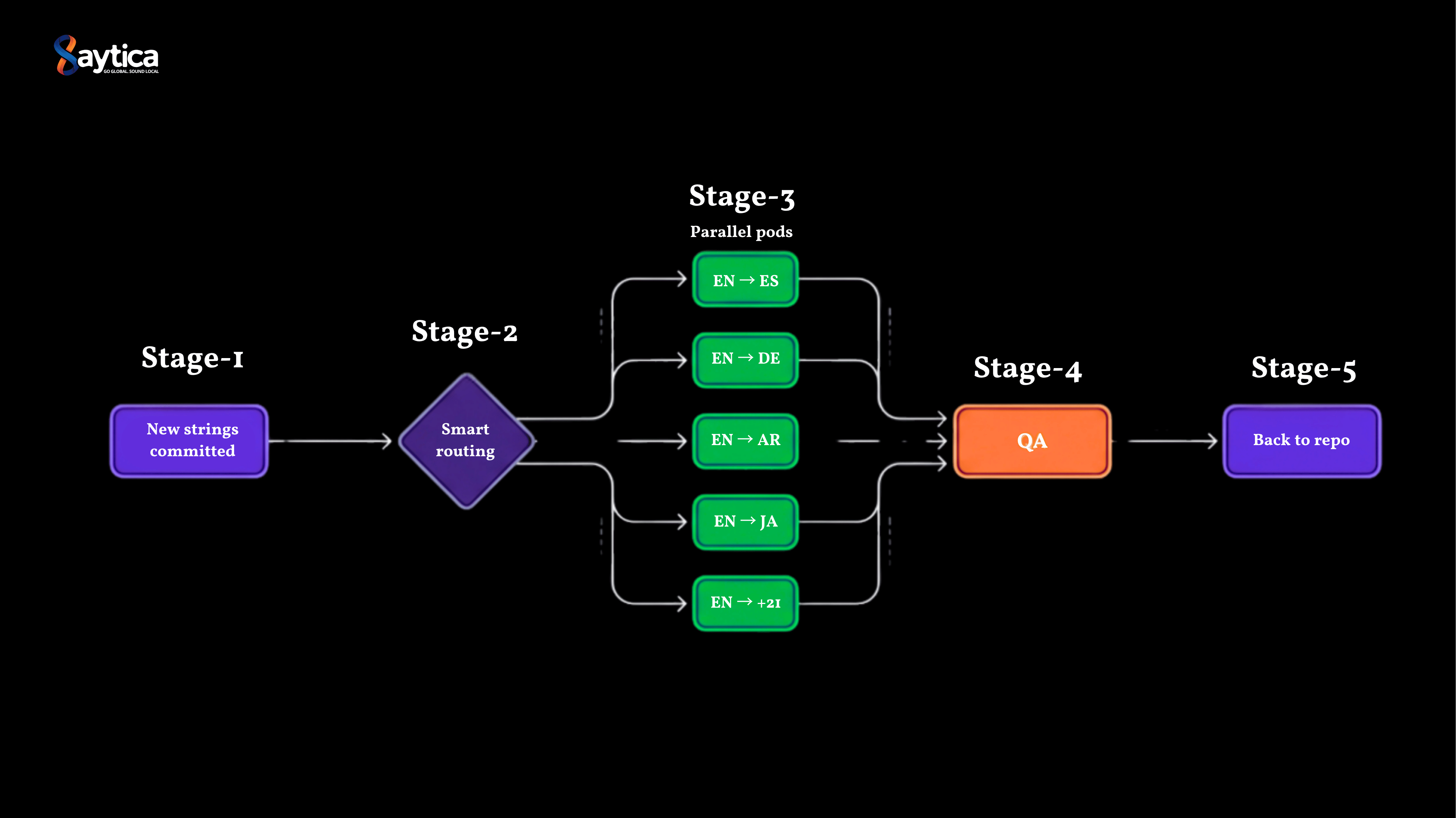
Why most SaaS localization workflows can't keep up with continuous deployment
A SaaS client came to us with a problem that took me a while to fully understand. They were shipping product faster than their localization workflow could move. Three vendors, 25 languages, 5-day turnaround, and roughly 1 in 6 sprints missing translations at release. Here is what we found when we rebuilt their pipeline.

How we localized an AI product into 40 languages in 6 weeks
A conversational AI company came to us last quarter with a hard deadline: 40 languages in 8 weeks. Their incumbent agency quoted 14. We delivered in 6, including 12 languages the tier-1 LSP had declined to touch. Here's what we learned about localizing AI products that translation work doesn't teach you.
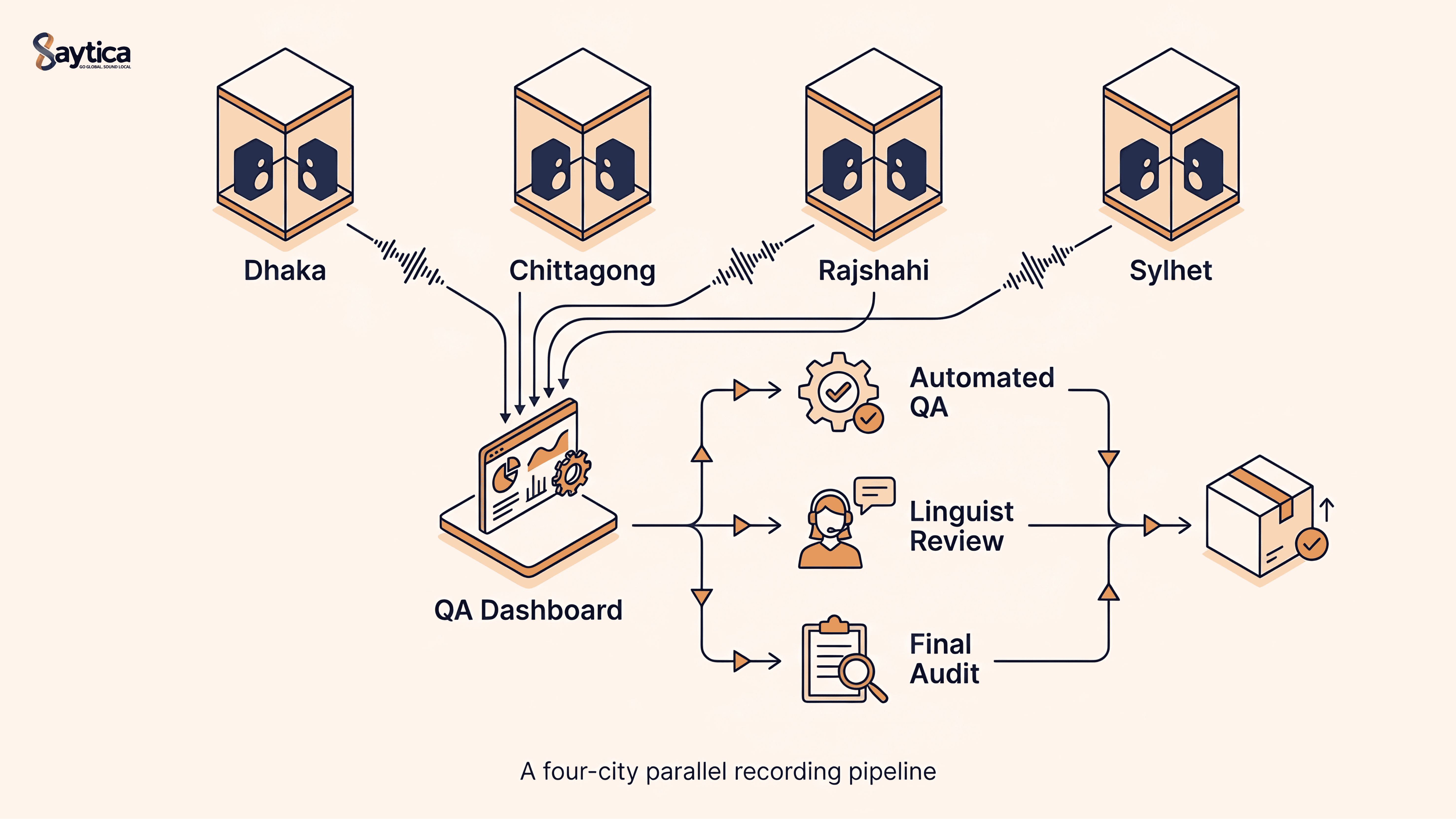
How We Collected 500 Hours of Bangla Duplex Conversational Audio in 6 Weeks — 32% Cheaper, 25% Faster
A global AI lab needed 500 hours of dual-channel Bangla conversational speech for ASR fine-tuning in 8 weeks. We delivered in 6 — at 32% below benchmark cost. Here's exactly how, end to end: speaker recruitment, parallel multi-city recording, three-layer QA, and the operational decisions behind the gains.
The 2025 Localization Playbook: TEP vs MTPE—When to Use Which
Choose the right workflow in 2025. This playbook shows when to use TEP (human translation + edit + proof) and when MTPE makes sense—plus a decision matrix, quality bars, a pilot plan, and risk controls.
Subtitles That Don’t Feel “Machine”: Read-Speed, SDH & Platform Specs
Why some captions feel robotic—and how to fix them fast. A practical guide to read-speed, SDH vs. standard subtitles, on-screen text, and a simple QC checklist you can run before publish.