Subtitles That Don’t Feel “Machine”: Read-Speed, SDH & Platform Specs
Why some captions feel robotic—and how to fix them fast. A practical guide to read-speed, SDH vs. standard subtitles, on-screen text, and a simple QC checklist you can run before publish.
Subtitles That Don’t Feel “Machine”: Read-Speed, SDH & Platform Specs
Reading time: ~4 minutes
When subtitles feel “machine,” it’s rarely the translation—it’s timing and reading experience. The fix isn’t complicated: set the right read-speed, know when to use SDH, follow your platform’s specs, and run a quick QC pass. Here’s a practical guide your team can apply today.
1) Read-speed that matches humans (not models)
The single biggest reason viewers bounce is too much text, too little time. Most platforms work with characters per second (CPS) rather than words per minute. While each platform has its own rules, teams typically land around these sane defaults:
CPS: ~12–17 CPS for most Western languages (lower for kids’ content; slightly higher for fast-paced content only with testing).
Lines: Max 2 lines per subtitle.
Characters per line: ~35–42 chars (language & platform dependent).
Duration: ~1.0s minimum; ~6.0s maximum (avoid flashing or lingering).
Gaps: Add 80–100ms gaps between consecutive subs to avoid “sticking.”
Pro tip: If you can understand the line without pausing, your audience probably can too. If you have to rewatch, it’s too fast—split the line or rephrase.
2) SDH vs. standard: when accessibility matters
SDH (Subtitles for the Deaf and Hard-of-Hearing) includes non-speech information that standard subs omit:
Speaker IDs when unclear (e.g., [Narrator], [Off-screen]).
Meaningful sounds: [Door slams], [Crowd cheering], [Somber music].
Music cues/lyrics—brief but descriptive.
Punctuation for tone (question, exclamation, hesitation).
Use SDH when accessibility is a requirement (public sector, streaming apps with accessibility commitments, e-learning), or whenever sound conveys story that dialogue alone cannot.
3) Platform specs: respect the house style
YouTube, LMS platforms, and OTT services each keep their own style guide. Specs usually cover:
File formats: SRT, WebVTT, TTML/DFXP, SCC/STL for broadcast.
Timing rules: min/max duration, min gap, snap to shot changes.
Text rules: casing, italics, numbers, tone markers, profanity masking.
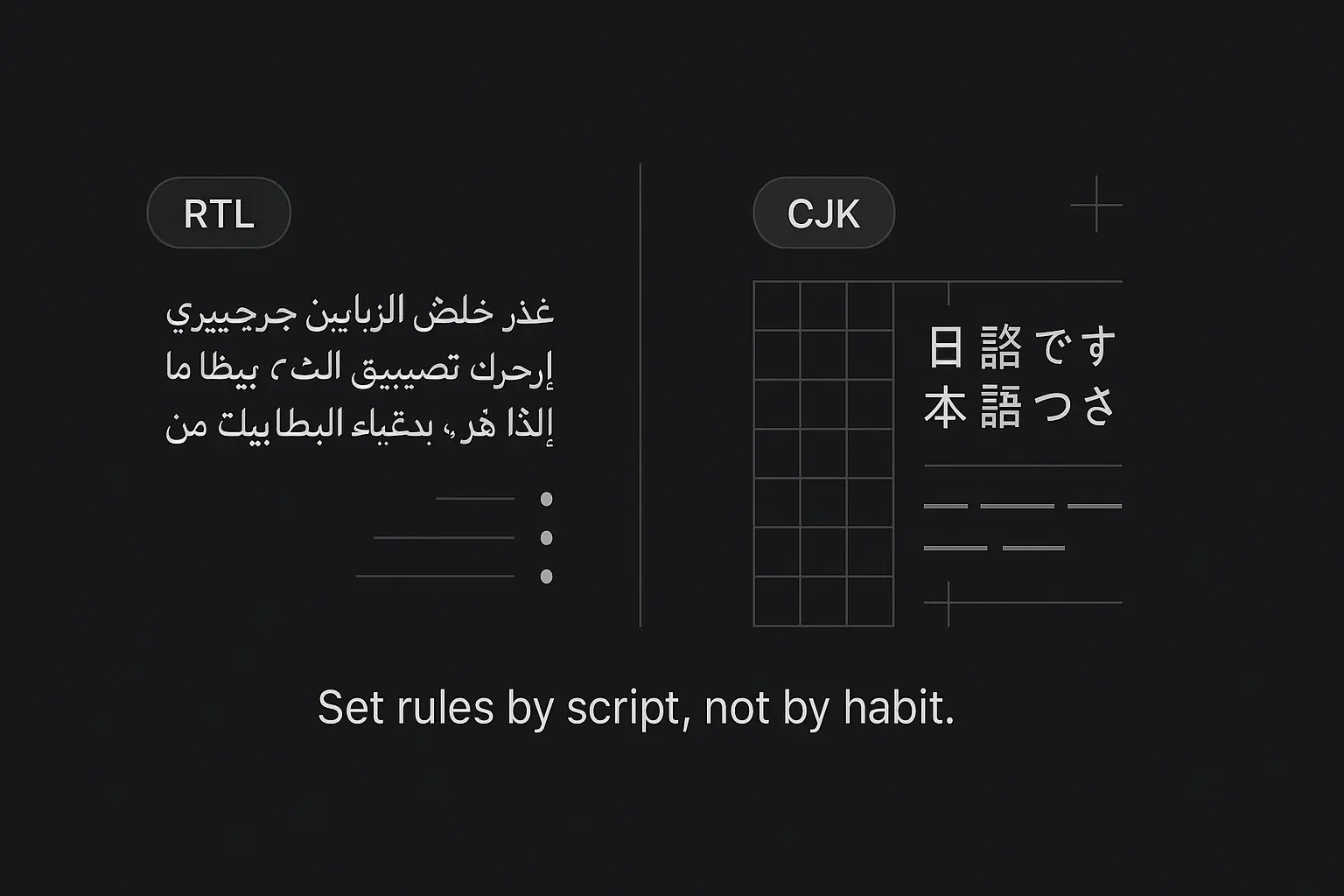
Language specifics: CJK spacing rules, RTL handling, ellipses vs dashes.
Forced Narratives (FN): on-screen text translation separate from dialogue subs.
Reality check: If you don’t have the guide, apply the defaults above, export both SRT (universal) and WebVTT (web-friendly), then validate with your platform’s built-in checker.
4) Forced Narratives & on-screen text (don’t skip these)
Viewers notice untranslated on-screen text more than you think—UI labels, location cards, lower-thirds, legal notices, gameplay HUD.
Create a small FN list during translation and treat it like essential dialogue:
Keep it short and center-screen when possible.
Time it to appear and clear with the visual element.
Use consistent casing and terminology (match UI/product terms).
5) Line breaks that read like speech
Bad line breaks scream “auto.” Apply simple rhythm rules:
Break at natural phrase boundaries (after punctuation or conjunctions).
Keep names and titles together on the same line.
Avoid “dangling” short words on a new line.
Prefer subject | predicate splits over random mid-phrase breaks.
Example (good):
We’ll review the plan | after the morning stand-up.
Example (robotic):
We’ll review the | plan after the | morning stand-up.
6) A 2-minute QC checklist (run this before publish)
Timing: CPS within range? No flashes (<1s) or “sleepers” (>6s)?
Segmentation: Max 2 lines; reasonable line breaks; no crowding.
Sync: Starts a hair after speech begins; ends slightly before speech ends.
Consistency: Speaker IDs, sound cues, numerals, tone markers follow the guide.
Language: No truncation that kills meaning; spell/grammar clean.
On-screen text: Forced Narratives translated & timed.
Export: Provide SRT + WebVTT; pass your platform validator.
Tags
More Articles
Explore more from our blog
The rare-language problem that the localization industry pretends doesn't exist
A tier-1 global agency came to us last year after exhausting their network on four languages out of eighteen. Sylheti, Rohingya, Khasi, Mizo. The story of how that project went says a lot about a gap in our industry that most agencies don't want to talk about openly.
Why most SaaS localization workflows can't keep up with continuous deployment
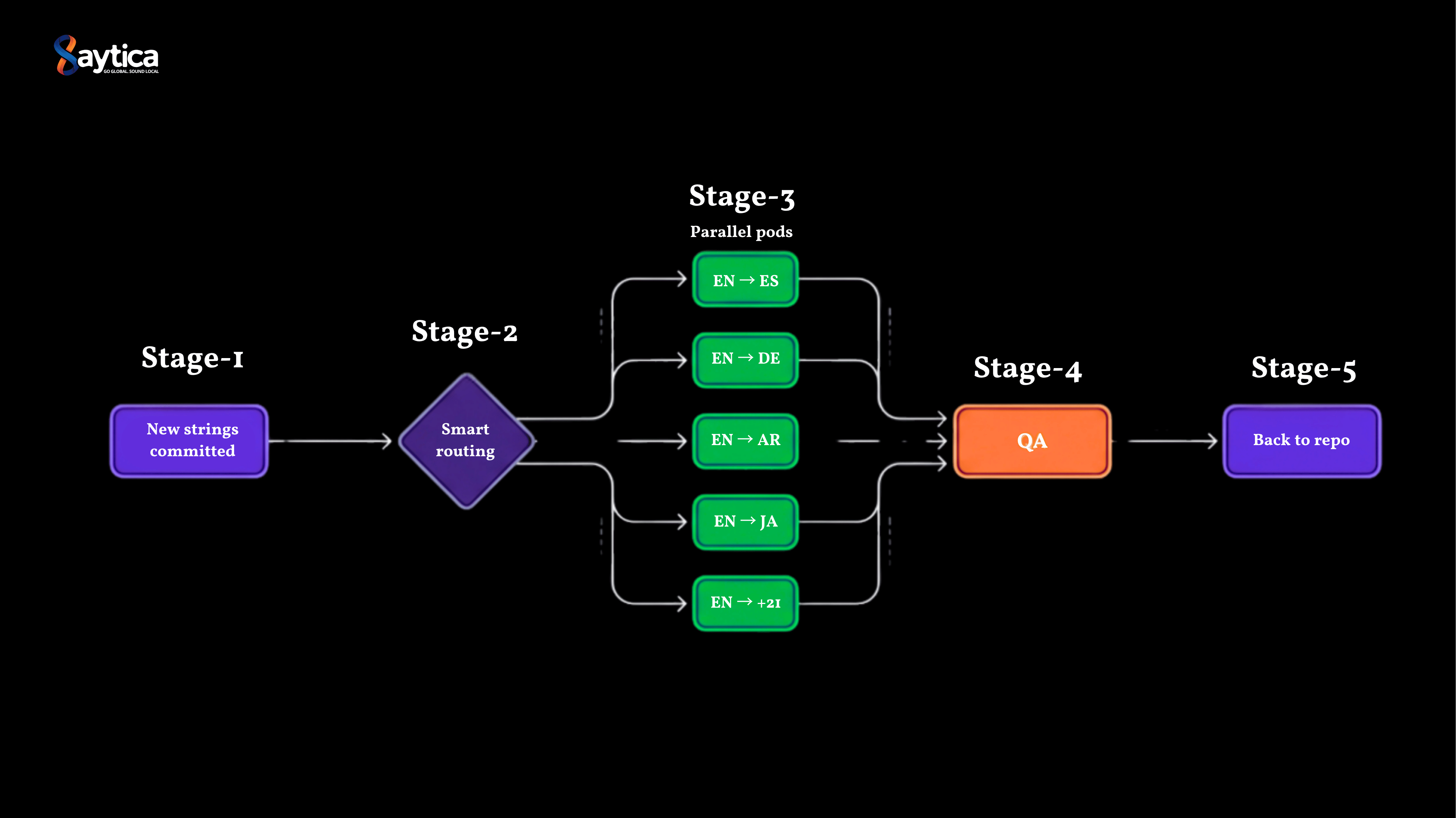
A SaaS client came to us with a problem that took me a while to fully understand. They were shipping product faster than their localization workflow could move. Three vendors, 25 languages, 5-day turnaround, and roughly 1 in 6 sprints missing translations at release. Here is what we found when we rebuilt their pipeline.

How we localized an AI product into 40 languages in 6 weeks
A conversational AI company came to us last quarter with a hard deadline: 40 languages in 8 weeks. Their incumbent agency quoted 14. We delivered in 6, including 12 languages the tier-1 LSP had declined to touch. Here's what we learned about localizing AI products that translation work doesn't teach you.
How We Collected 500 Hours of Bangla Duplex Conversational Audio in 6 Weeks — 32% Cheaper, 25% Faster
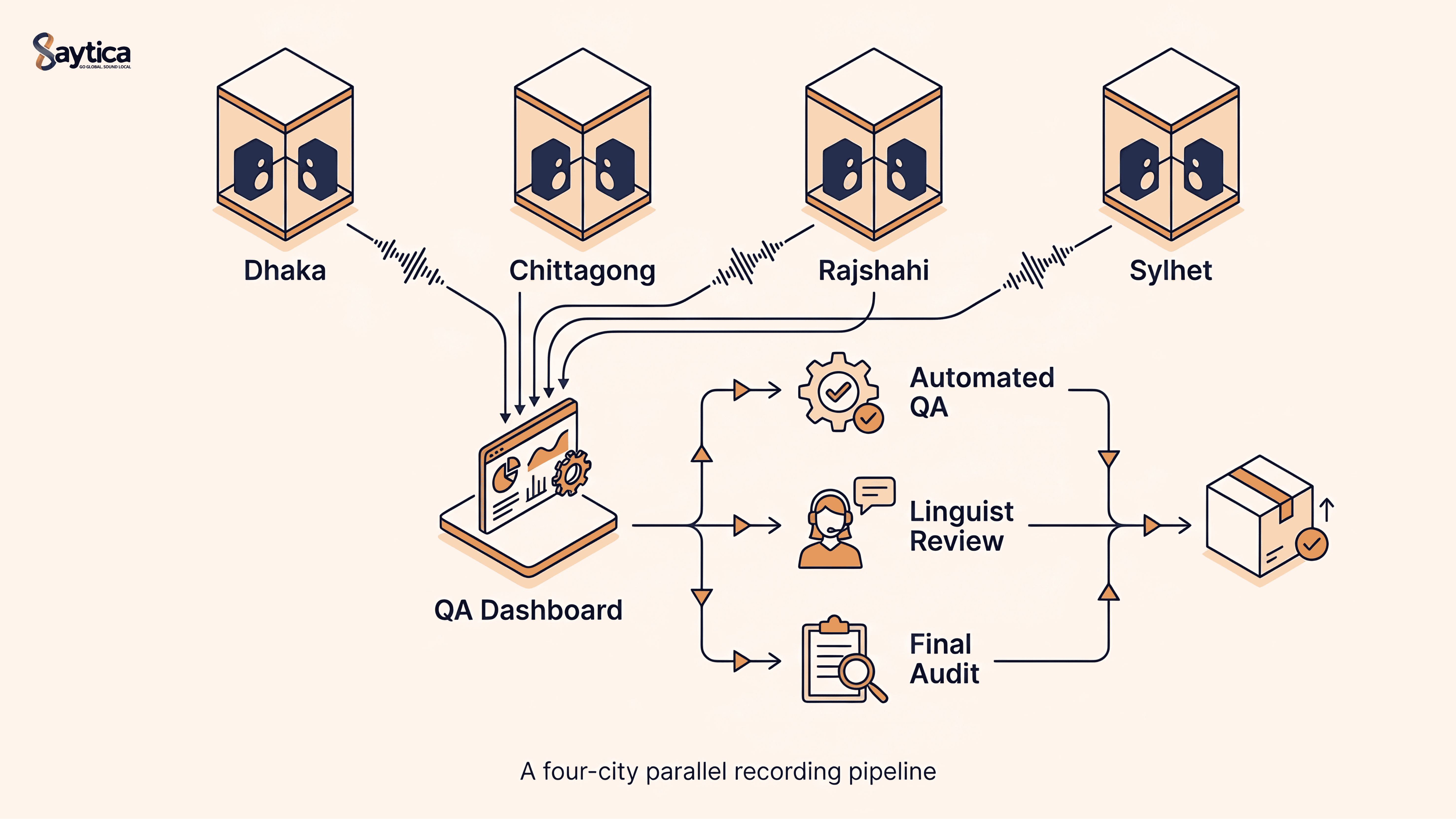
A global AI lab needed 500 hours of dual-channel Bangla conversational speech for ASR fine-tuning in 8 weeks. We delivered in 6 — at 32% below benchmark cost. Here's exactly how, end to end: speaker recruitment, parallel multi-city recording, three-layer QA, and the operational decisions behind the gains.
The 2025 Localization Playbook: TEP vs MTPE—When to Use Which
Choose the right workflow in 2025. This playbook shows when to use TEP (human translation + edit + proof) and when MTPE makes sense—plus a decision matrix, quality bars, a pilot plan, and risk controls.
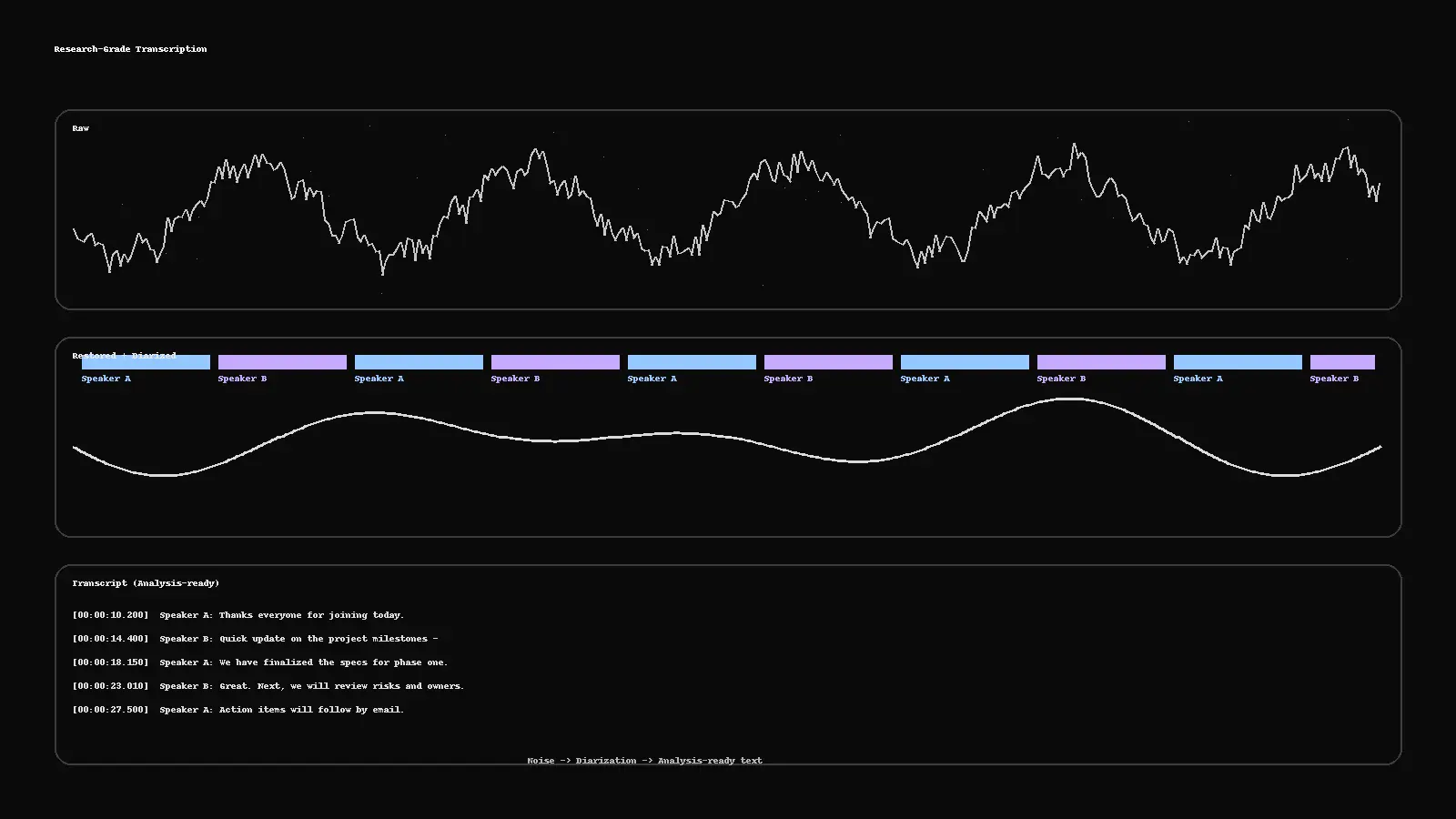
Research-Grade Transcription: From Noisy Audio to Analysis-Ready Text
Turn messy recordings into clean, analysis-ready text. This guide shows a practical pipeline—restoration, diarization, human QC, PII redaction, and deliverables (RTTM, ELAN, TextGrid, SRT)—plus a two-minute checklist to run before publishing.